
Agentic reasoning
Muse Image can reason through a prompt before producing the final visual.
Create and edit images with Muse Image, an agentic image model built for complex prompts, photo editing, reference composition, and iterative refinement. Upload a photo, describe the change, keep what matters, and refine the result in one workspace.
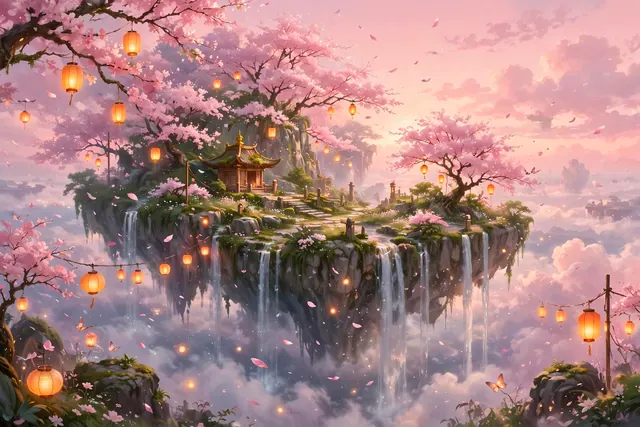
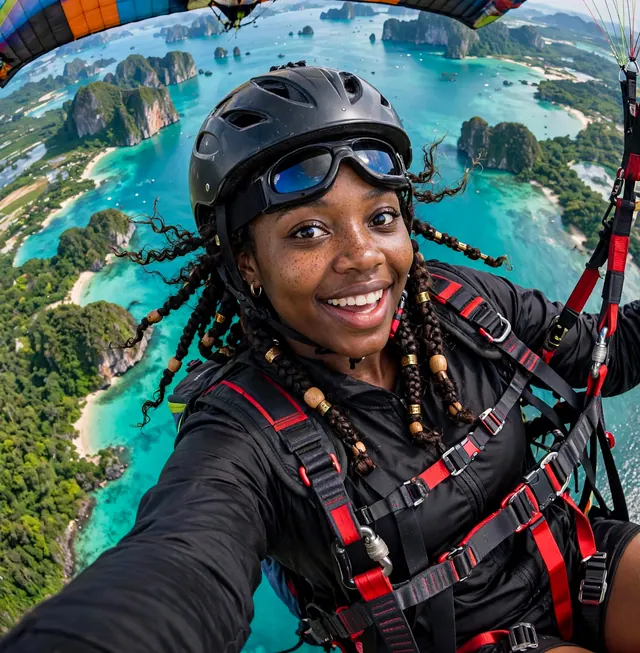
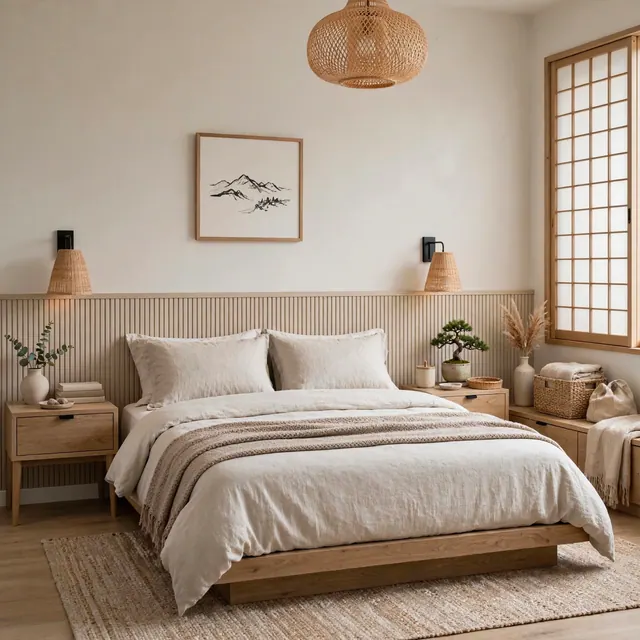
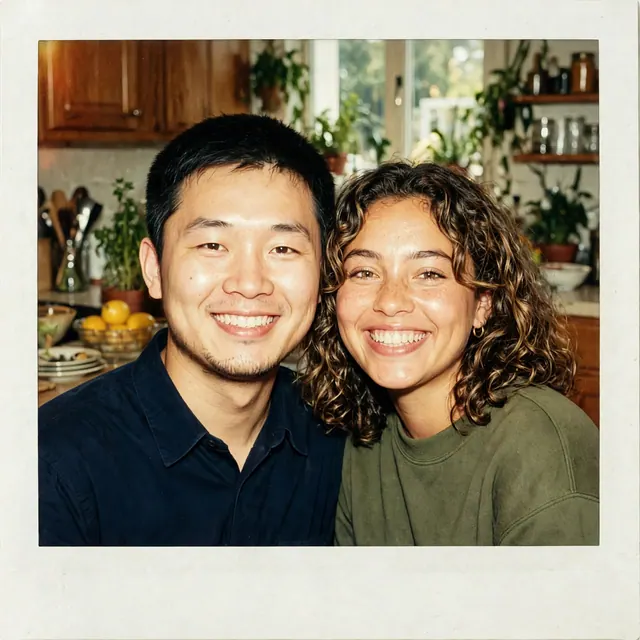


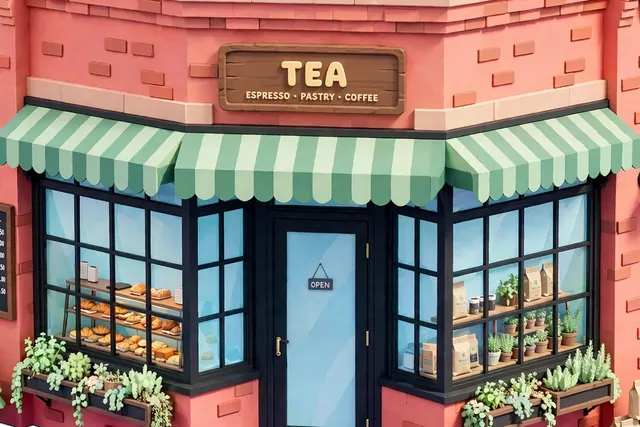


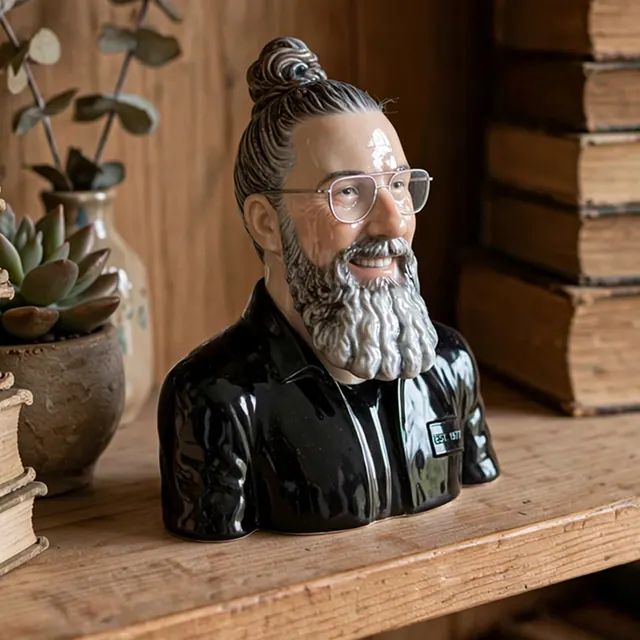
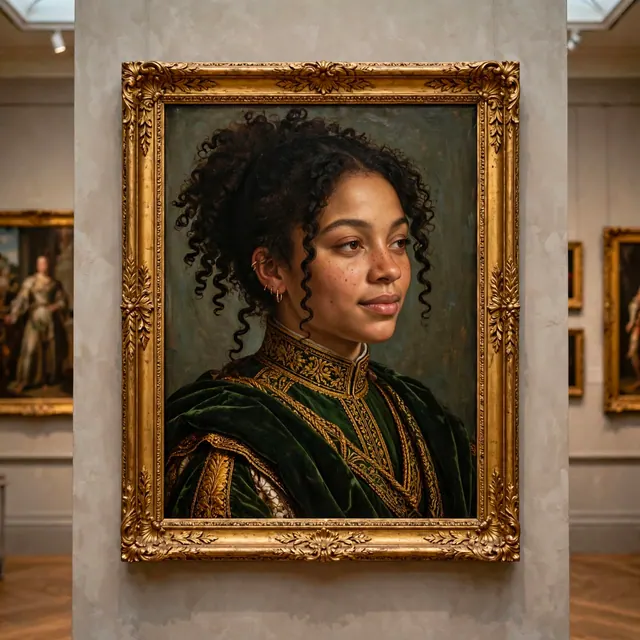
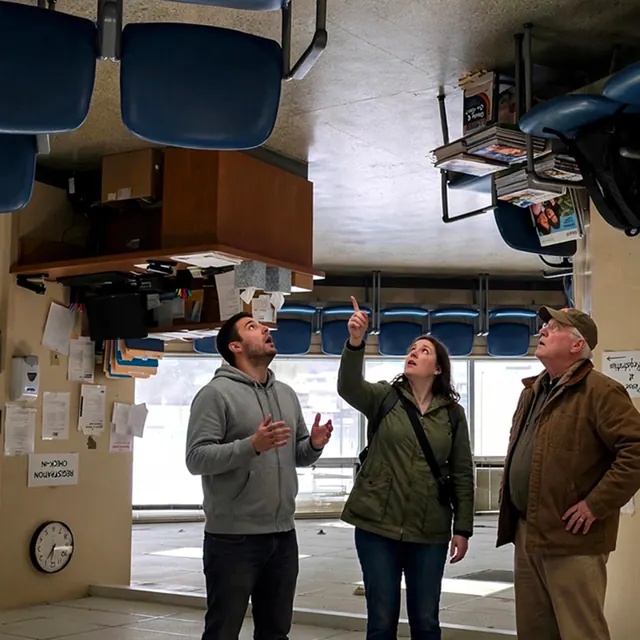
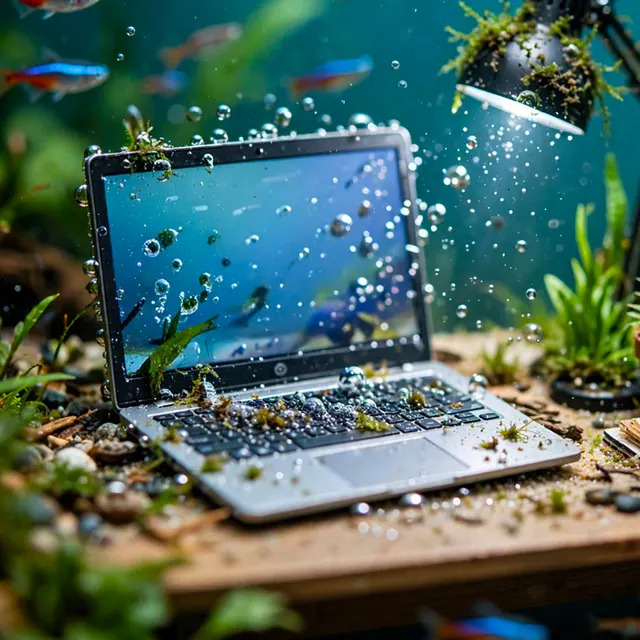
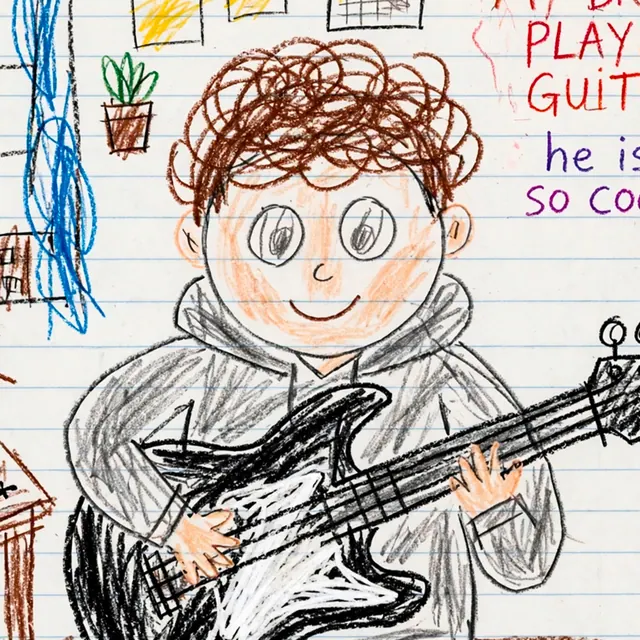
What Is Muse Image?
Muse Image is an advanced image generation model for high-quality image creation, photo editing, and reference composition.
Muse Image can work like a creative agent: it interprets the request, plans the visual, uses tools when helpful, and refines output before the final image.
Use Muse Image to restore photos, remove objects, preserve likeness, combine references, redesign rooms, render readable text, build structured visuals, and improve the same idea through follow-up edits.
Try it Now
Muse Image AI Editor gives Muse Image a focused browser workspace for uploads, reference images, prompts, refinements, and downloads.
Describe the image you want, upload references when the details matter, then keep every result in your workspace.
Gallery
A press-release collage showing the range of Muse Image outputs across portraits, interiors, products, characters, and stylized scenes.
Muse Image Features
Muse Image is useful when the request has rules: what to keep, what to change, what references to follow, and what details must stay accurate.
Muse Image can reason through a prompt before producing the final visual.
Edit real images by naming the exact change and the details to preserve.
Use references for subjects, products, rooms, styles, and layouts.
Keep improving the same image through follow-up instructions.
Create structured visuals where readable labels and layout matter.
Preserve a person, product, or visual identity while changing the scene.
Build product images that keep shape, label, and material cues intact.
Keep uploads, prompts, references, previews, and downloads in one place.
How to Edit
The strongest Muse Image prompts are specific about source, references, change, and constraints.
Start with the photo, product, room, graphic, or visual idea you want Muse Image to work from.
Use references for identity, product details, composition, style, lighting, or layout.
Tell Muse Image what to change, what to keep, and how the final image should look.
Why Muse Image
Muse Image shines when the output needs accuracy, continuity, and follow-through instead of a one-shot fantasy prompt.
Muse Image can keep the important parts of an image while changing the parts you name.
Use rules in the prompt to guide identity, scene, style, layout, and final quality.
Reference composition helps Muse Image combine multiple visual inputs into one coherent result.
Iterative refinement lets you keep pushing the same concept closer to the brief.
Frequently Asked Questions
Muse Image is an advanced agentic image model designed to reason through complex prompts, edit photos, compose references, and refine results during generation and editing.
Musing Image is an independent creative studio for AI image tools. Muse Image AI Editor is its focused browser workspace for Muse Image uploads, prompts, references, refinements, and downloads.
Muse Image AI Editor is a browser editor built around Muse Image workflows: start with a source image or prompt, add references, describe the edit, refine the result, and download the final image.
Yes. Muse Image is designed for photo editing tasks such as restoration, object removal, background changes, identity preservation, room redesign, and controlled follow-up edits.
Yes. Muse Image supports reference composition, so you can guide subject identity, product details, room layout, style, lighting, or visual structure with reference images.
A normal image generator often jumps from prompt to image. Muse Image is designed to reason through the task, use references, preserve context, and refine toward the requested result.
Yes. Muse Image is the default front-facing model, and the editor also supports Nano Banana and Seedream models for alternate generation and editing styles.
Musing Image offers daily free credits so you can try Muse Image workflows. Heavier editing or higher-volume generation may require additional credits.
The best Muse Image prompts name the source image, the exact change, the references to follow, and the details that must stay the same.
Yes. Muse Image is especially useful when you need to preserve identity, product shape, labels, room structure, or other visual anchors while changing the scene.
Yes. Muse Image can help create product scenes, lifestyle shots, background changes, reference-based variations, and cleaner visuals while keeping key product details intact.
Muse Image is built for stronger structured visuals, including cleaner text and layout control, especially when the prompt clearly states what the graphic should say.
Yes. Muse Image AI Editor is built around plain-language prompts, uploads, references, and follow-up edits, so you do not need design software to start.
© 2026 Musing Image